
Fast Web Builder Guide
Stop Domain Hijacking: 3 Settings Every Small Business Needs
Protect a business domain with a registrar lock, stronger account sign-in and recovery details that remain accurate and accessible.

Key takeaways
- A registrar lock blocks an unauthorized transfer; it is not the same as an account lockout.
- Use a unique password and the strongest MFA available on both the domain account and recovery email.
- Keep registration and recovery contacts current, monitored and controlled by the business.
- Domain privacy and DNSSEC solve different problems and do not replace account protection.
Your domain is not just a web address.
It is the signpost that sends customers to your website, routes email to your team and helps people recognize your business online. If somebody gains control of it, they may be able to redirect visitors, interfere with email or attempt an unauthorized transfer.
The good news is that three practical controls reduce much of that risk.
First, understand the two doors
A domain has at least two important security boundaries:
- The registration itself can be transferred from one registrar to another.
- The management account can be used to change contact details, nameservers and other settings.
These doors are related, but they are not the same.
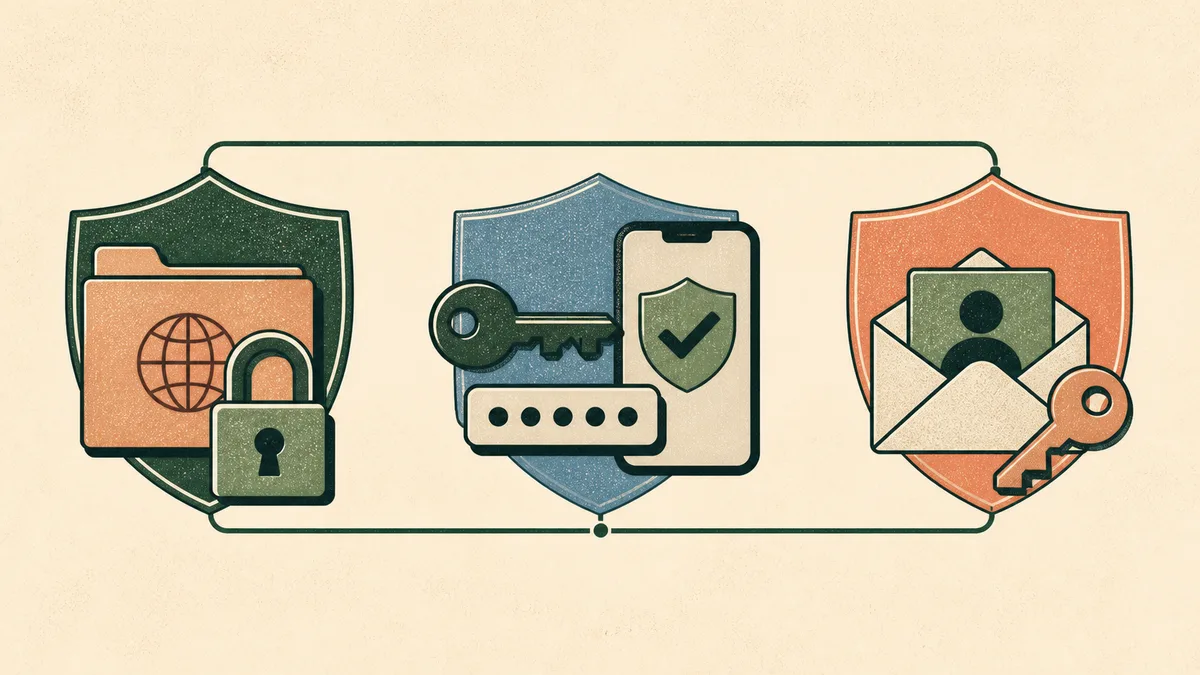
A registrar lock helps guard the transfer door. Strong sign-in and recovery controls help guard the account door. A business needs both.
Setting 1: Keep the registrar transfer lock on
Look for a domain status or setting called Registrar Lock, Transfer Lock or clientTransferProhibited.
When this status is active, the registry rejects requests to transfer the registration to another registrar. ICANN describes clientTransferProhibited as a protection against unauthorized transfers associated with hijacking or fraud.
Fast Web Builder’s Domain Registration Agreement says a Registrar Lock may be placed on a new registration and that a customer can lock or unlock a domain within the account when preparing a legitimate transfer.
Registrar lock is not account lockout
The similar words cause unnecessary confusion:
- Registrar lock is a status on a domain registration. It blocks transfer requests.
- Account lockout is a sign-in defense that may temporarily block login attempts after repeated failures.
A registrar lock does not mean you are locked out of your account. It also is not a complete shield for the website, email or DNS. Someone who gets into the management account may still be able to cause damage even if a transfer cannot immediately proceed.
Does the transfer lock prevent DNS changes?
clientTransferProhibited is specifically a transfer restriction. It should not be treated as proof that nameservers or DNS records cannot change.
That is why the safest routine is:
- keep the transfer lock on during normal operations;
- unlock only when you intentionally start a transfer;
- keep the authorization or EPP code private;
- re-check the status after the transfer is complete.
If the account shows a different status such as clientUpdateProhibited, read the registrar’s explanation before assuming it behaves like a transfer lock.
Setting 2: Strengthen the account and recovery email
The lock protects one action. Your sign-in protects the control panel itself.
Use a password that is unique to the registrar account and store it in a reputable password manager. Reusing the same password for email, bookkeeping and domain management turns one stolen credential into several open doors.
Enable multi-factor authentication (MFA) wherever it is offered, especially on:
- the domain-management account;
- the email account used for password resets and transfer notices;
- the password manager that stores the credentials.
NIST’s small-business MFA guidance recommends enabling MFA on sensitive accounts and using a password manager for strong passwords. When several MFA choices are available, prefer a phishing-resistant option such as a security key or passkey. An authenticator app is still a useful step up from a password alone.
Fast Web Builder’s public site documentation does not promise a specific MFA method or a specific control-panel path. Check the security settings shown in the account you actually use, and ask support what options are currently available if the choice is unclear.
Setting 3: Make recovery information accurate and durable
Recovery often depends on the registration contacts, the account email and whatever records you can provide to establish control.
Do not let these point to:
- a former employee;
- an inbox nobody monitors;
- an address that exists only on the domain it is supposed to recover;
- a contractor whose access was never reviewed;
- a personal account the business cannot retrieve.
Use contact information the business controls, keep it current and make sure at least two responsible people know where the account and recovery documentation are stored.
ICANN requires registration data to remain accurate, and inaccurate information can lead to suspension or cancellation. ICANN also recommends using a recovery address that is not dependent on the same domain; if the domain or its email routing is compromised, an independent mailbox may still be reachable.
Keep a small evidence packet in a secure business system. It can include:
- the registrar name and account identifier;
- the legal registrant or business name;
- invoices and renewal confirmations;
- the current nameservers and critical DNS records;
- support contact details and the registrar’s recovery procedure;
- a dated record of who is authorized to approve changes.
Do not put passwords, MFA recovery codes or transfer codes in an ordinary shared document. Store secrets in the password manager or another purpose-built secure vault.
What about domain privacy and DNSSEC?
Both can be valuable, but neither replaces the three controls above.
Domain privacy substitutes proxy contact details in eligible public registration records. It can reduce unwanted exposure, but it does not lock a transfer, secure a password or stop somebody who already controls the account. Read what domain privacy does and does not protect before treating it as a security bundle.
DNSSEC lets compatible systems validate signed DNS data and detect forged answers. ICANN explains DNSSEC as protection for the origin and integrity of DNS data. It does not prevent stolen registrar credentials or repair weak recovery practices.
Think of them as different tools:
- registrar lock protects against an unauthorized registrar transfer;
- account security protects the management login;
- accurate recovery details help the rightful business regain control;
- domain privacy reduces public contact exposure where eligible;
- DNSSEC helps resolvers detect forged DNS data when the full chain supports it.
A 10-minute domain security check
Open the account and verify the following:
- The domain shows a transfer lock while no transfer is planned.
- The account password is unique and stored securely.
- MFA is enabled when the account offers it.
- The recovery email also has a unique password and MFA.
- Registration contacts are accurate and monitored.
- Former staff and vendors no longer have access they do not need.
- Renewal notices go to more than one responsible person or a monitored business process.
- The current registrar, nameservers and critical DNS records are documented.
Then schedule the same review every quarter and after any staff, agency or IT-provider change.
If you suspect a hijack
Act before trying random changes.
- Contact the current or previous registrar using a known, official support channel.
- Secure the recovery email and any related account credentials.
- Save notices, invoices, screenshots and timestamps.
- Check whether registration contacts, nameservers or domain status changed.
- Ask the registrar for its unauthorized-access or unauthorized-transfer process.
ICANN’s lost-domain guidance says to contact the registrar immediately when registration data changed without permission or an unauthorized transfer may have occurred.
The part worth remembering
Leave the transfer lock on.
Protect the account and recovery email with separate, strong sign-in controls.
Keep the ownership and recovery trail accurate.
No single setting makes a domain impossible to steal. Three well-maintained layers make it much harder for one mistake, one old inbox or one exposed password to become a business-wide outage.
Put the domain controls in one place.
Use Domain Manager to register and manage a domain without bundling it into a website hosting decision.
Explore Domain Manager →